Can a small local model be a useful coding partner?
A coding assistant is only as useful as the evidence it can reach. Ask one where authentication lives, and a plausible answer is not enough. It needs to find the relevant files and show its work.
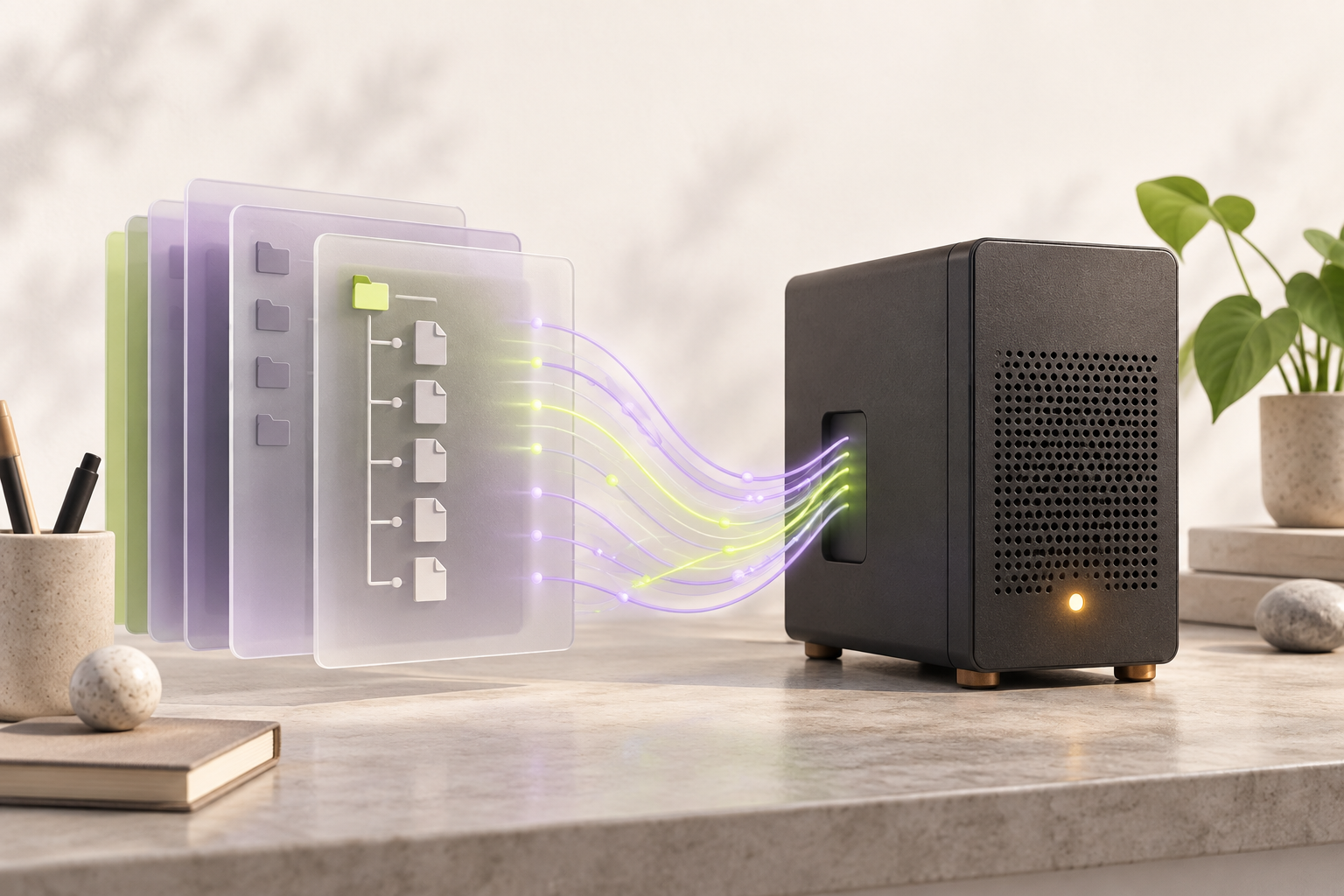
OwA began with that tension: keep inference under the developer’s control, while giving a smaller model enough context and tools to work inside a real repository. The machine running Ollama can be local or reachable over a private network. Either way, the workspace remains the center of the experience.
The interface is deliberately simple: a CLI for the daily loop, plus an optional HTTP API. The interesting design work happens between the prompt and the answer.
Pick a request.
See the path it takes.
These short traces illustrate OwA’s documented tools and approval flow. They are examples, not a live model session or benchmark result.
› Where is the authentication logic?
Searches the indexed repository for related code and file names.
Opens the relevant file before composing a response.
Points to the relevant files and explains what each one does, with source context.
The example uses documented workspace tools ↗ and describes their intended flow.
A loop with
places to inspect.
Choose a part of the loop to see the engineering decision behind it.
Start with the files that are actually here.
OwA binds to the current project. Its direct file and Git tools can inspect the workspace without requiring a model to guess its shape.
list_dir · read_file · git_statusInspect the source ↗Build the model’s reading pile.
Choose a question, then decide how many source cards fit. This is a curated tour of real OwA files, not a live search or a measured ranking.
Two source cards are in this illustrative pile. The third remains one click away; OwA keeps citations so a developer can inspect a full file when an excerpt misses context.
Search blends lexical and semantic signals when embeddings are available. If the embedding index is incompatible or unavailable, OwA can still use lexical search and tells the developer why. Retrieved excerpts are budgeted so a small model receives focused evidence instead of an unbounded dump.
That tradeoff is visible. Compression saves context, but an excerpt can miss something important. OwA keeps source references so the full file can be opened when the detail matters.
Useful tools need
clear edges.
OwA separates reading from changing. The default approval policy asks before file writes and shell commands.
OwA requests a command.
A model proposes pytest -q. You decide whether it runs. This control is a page demonstration; it never executes a command.
Waiting for your choice. The default prompt is “no.”
01 / File changesApproval is a decision point.
Patch and write tools can change the workspace, so OwA’s default policy asks first. An absent or interrupted response rejects the request. Policies can be set to ask, deny, or allow by the developer.
Read approval logic ↗02 / Shell commandsA container is the default boundary.
Approved shell commands run in a Docker sandbox by default, with no network and a read-only root filesystem. The user must provide the sandbox image locally. Host execution is an explicit configuration choice.
Read command handling ↗03 / Network and privacy“Local” depends on your setup.
OwA does not require cloud API keys or telemetry. Inference and embeddings run on the Ollama server you configure; code can leave your machine if you deliberately point it at a remote service or enable external MCP tools.
Read privacy notes ↗Test the workflow.
Show the limits.
planned Qwen case runs passed in a frozen-source, twenty-case fixture matrix
Ornith passed all planned runs across 42 attempts, with interruptions retained and retried
These are scoped workflow checks in disposable workspaces, not a claim about arbitrary repositories or hardware. A later 0.7.0 live evaluation was incomplete because the configured Ollama service timed out; it did not establish a correctness result.
Read the method and raw traces ↗Three moments from the recorded fixture runs.
01 / RecoveryA patch did not match the source.
One Qwen tool call failed because the patch’s original text did not match. OwA corrected the patch, and the independent source tests passed. The failed call remains visible in the recorded total of 61 successful tools out of 64 calls.
02 / RestraintThe requested symbol was absent.
The evaluation includes a question about a symbol that does not exist in its fixture. The expected behavior is to say it cannot be located, rather than invent a file. An early evaluator predicate even misread a correct refusal; that predicate was fixed before the final matrices.
03 / InterruptionThe model service stopped answering.
Two Ornith attempts were interrupted by failed model requests. OwA returned an explicit incomplete state, and the affected cases passed after the run resumed. The traces do not establish the underlying cause of the requests failing.